block the path
How to play Block the Path online with friends using an invite link
Create a private Block the Path game, share an invitation and let a friend join without an account. Learn guest access, clocks, reconnecting and cat reactions.
To play Block the Path with a friend, sign in to the club, create a private unrated game and copy its invitation link. Your friend opens the link and taps Join game. The guest does not need an account, and you play the same live match.
Create and share the invitation
- Open the Block the Path club and sign in.
- Choose online play, then the “Challenge a friend or join a room” section.
- Select a time control and create a private, unrated game.
- Copy the invitation link beside the room code and send it to your friend.
- Keep your game open while your friend taps “Join game”.
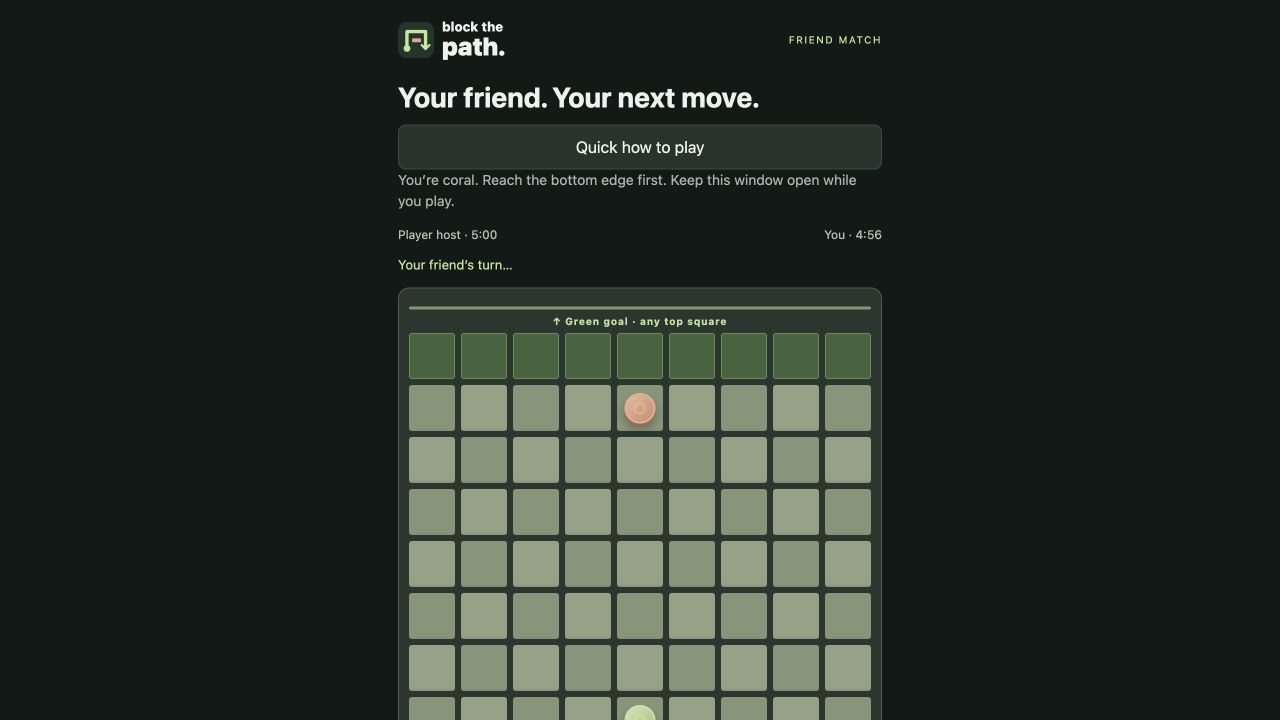
The host plays green and the invited player plays coral. The clock starts when the second player joins. Make sure you are both ready before accepting the invitation. A third player cannot take an occupied seat.
Does the invited player need an account?
No account is needed for the guest in a private, unrated invitation. Rated matches, tournaments and the normal account features still require sign-in. Private guest games do not change either player’s Elo rating.
A new guest cannot claim an invitation more than 24 hours after it was created. If an old link no longer works, ask the host to create another game. Share the link only with the person you want to play; anyone with an unclaimed invitation can attempt to join.
What happens if the connection drops?
The match stays on the server. Reopening the invitation in the same browser or App Clip can restore your seat using its guest cookie, which lasts up to seven days. Clearing website data, using private browsing or switching devices may lose that access.
The clock keeps running while you are disconnected. Wait for the connection status to recover before moving. The game checks whose turn it is and rejects stale or illegal moves instead of letting the two boards diverge.
Send a cat reaction during the game
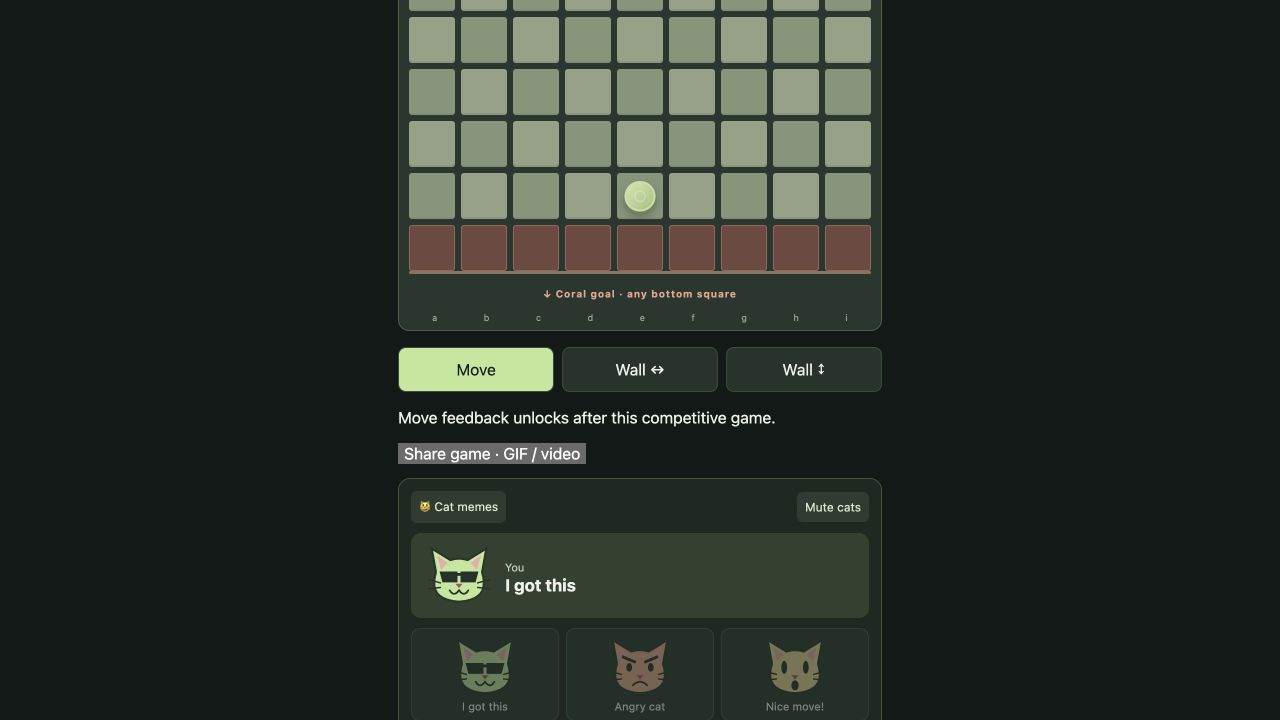
Open “Cat memes” to send “I got this,” angry cat, “Nice move!”, “Let me cook,” “Oops…” or “Good game!” Both players see the sticker. Reactions disappear after eight seconds and have a four-second cooldown. Use “Mute cats” if you prefer a quiet board.
Can you play on an iPhone?
The invitation page works in a browser, including on phones. An iOS App Clip implementation also exists, but public launch from shared links still requires Apple signing and App Store Connect registration. Until that release is complete, use the browser invitation.
Before your next game, review the rules or compare the available time controls.